Time Duration Calculator: Calculate the Time Between Two Times
When you need to know exactly how much time has passed between two times, doing the calculation manually can become surprisingly complicated. Minutes may require borrowing from an hour, seconds can make the calculation more precise, and overnight periods can make a simple subtraction look like a negative number.
A time duration calculator makes this easier by calculating the elapsed time between two clock times and presenting the result in a readable format.
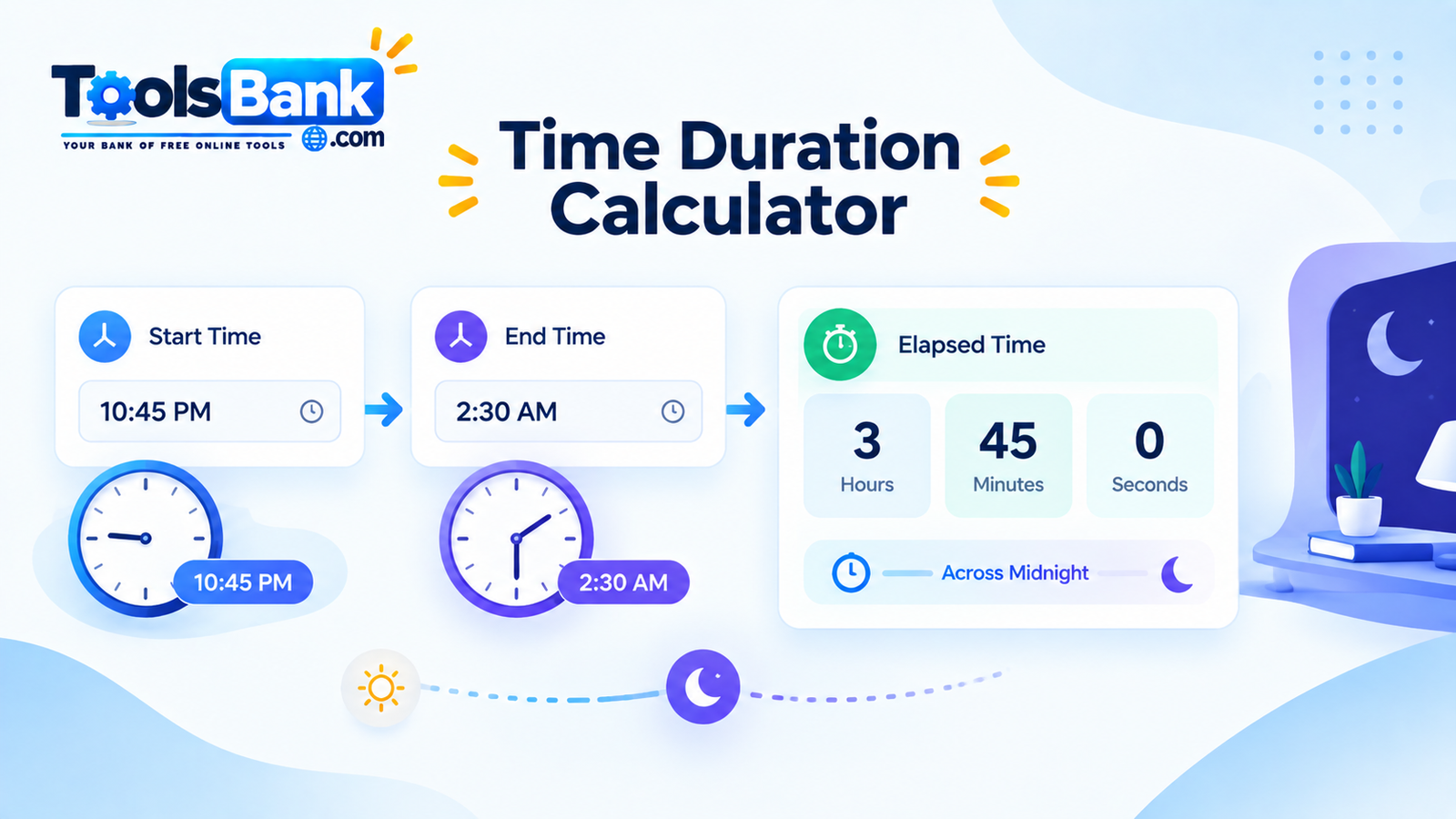
The ToolsBank Time Duration Calculator is designed for exactly this purpose. It can calculate the duration between two times in hours, minutes, and seconds, automatically handle periods that cross midnight, and also let you add or subtract a duration from a starting time.
What Is a Time Duration Calculator?
A time duration calculator determines the amount of elapsed time between a starting time and an ending time.
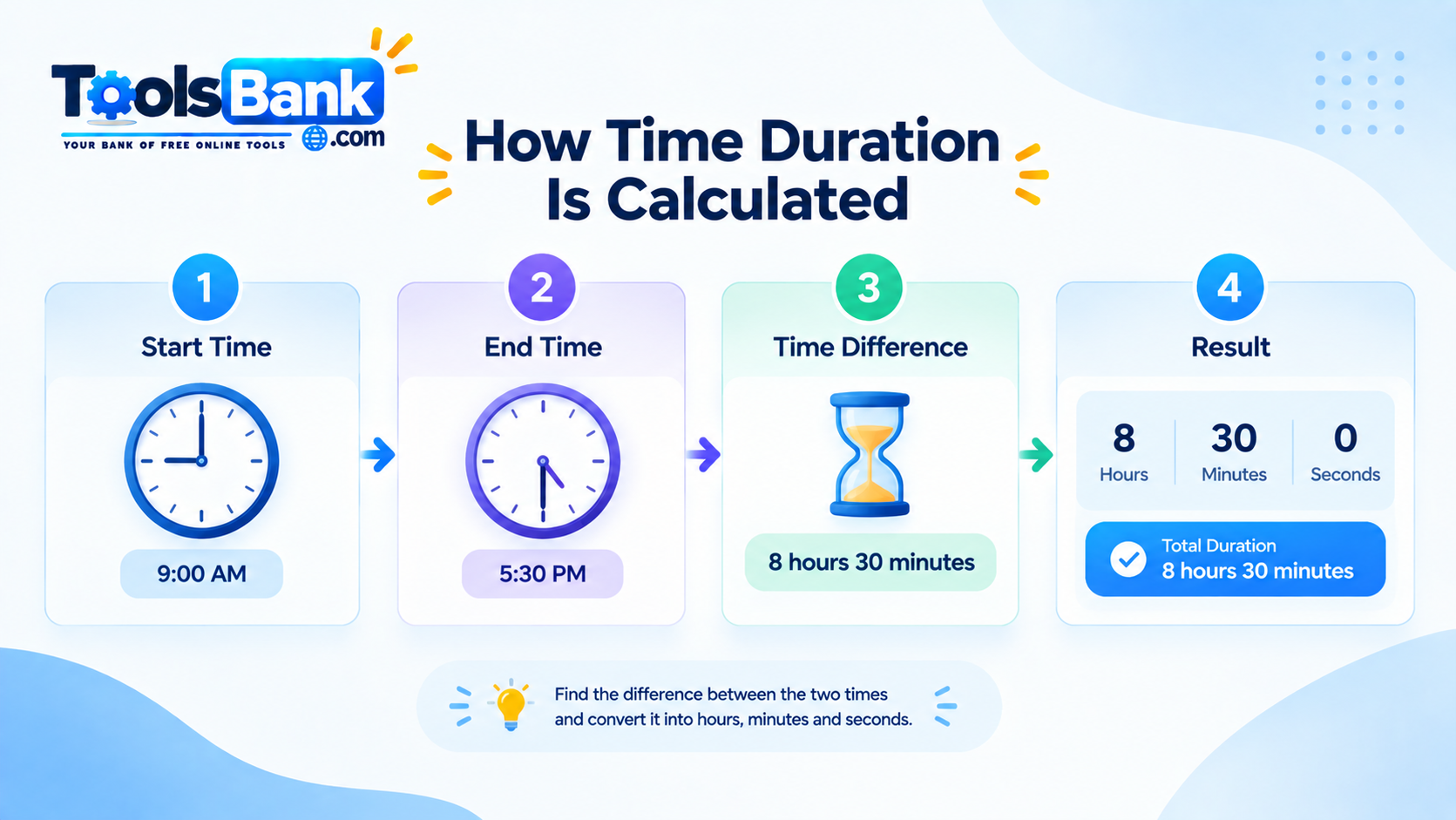
For example, if a task starts at 9:00 AM and finishes at 5:30 PM, the elapsed duration is:
8 hours 30 minutes
Instead of manually subtracting the hours, minutes, and seconds, you can enter the two times into a calculator and let it perform the calculation.
Time duration calculations are useful for:
- Work and shift hours
- Task and project tracking
- Study sessions
- Meetings and events
- Travel timing
- Cooking and preparation
- Exercise sessions
- Billing and time tracking
- Determining when an activity started or ended
How the ToolsBank Time Duration Calculator Works
The ToolsBank calculator provides two main ways to work with time.
1. Calculate the Duration Between Two Times
Choose the option for calculating the duration between two times, then enter a start time and an end time.
The calculator subtracts the starting time from the ending time to determine the elapsed duration.
For example:
Start: 9:00 AMEnd: 5:30 PMResult: 8 hours, 30 minutes
The calculator can also include seconds when you need more precise timing.
2. Add or Subtract a Duration
The calculator also includes an add/subtract mode.
Instead of asking how much time passed between two clock times, you can start with a particular time and apply a duration.
For example:
Starting time: 2:00 PMDuration: 2 hours 30 minutesOperation: Add
The resulting time is:
4:30 PM
You can also subtract a duration when you need to determine an earlier time. ToolsBank's calculator automatically notes when the resulting time moves into another day.
How to Calculate Time Between Two Times
Calculating elapsed time manually is possible, but it becomes more difficult when minutes or seconds need to be borrowed.
A basic calculation can be thought of as:
Duration = End Time - Start Time
For example:
Start: 9:15 AMEnd: 5:45 PM
The difference is:
8 hours 30 minutes
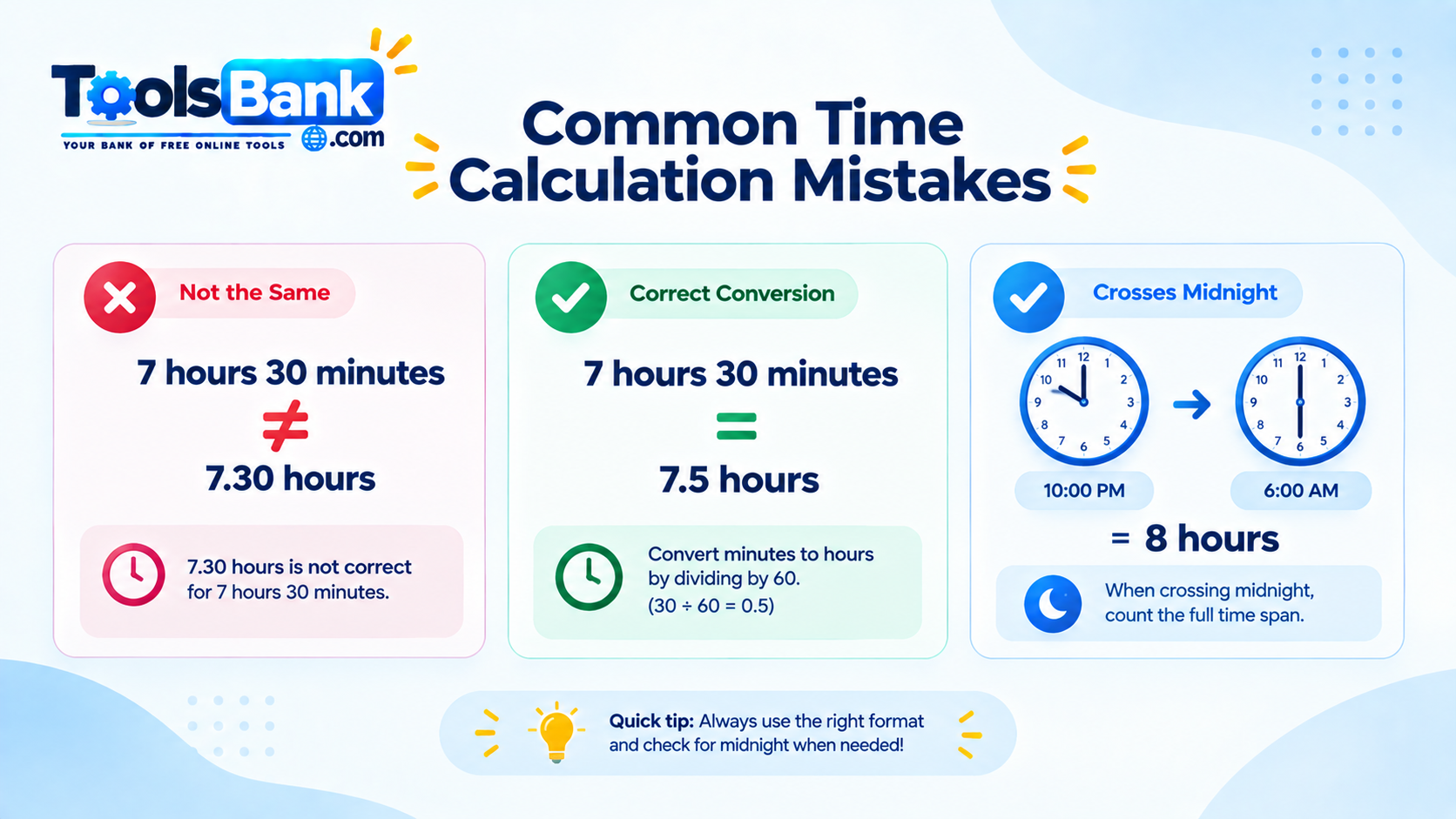
The important point is that clock time is not decimal time. There are 60 minutes in an hour, so 8 hours 30 minutes should not be written as 8.30 hours when you mean decimal hours.
Instead:
30 minutes = 0.5 hours
Therefore:
8 hours 30 minutes = 8.5 hours
This distinction becomes particularly important when time values are used for spreadsheets, billing, payroll or project tracking.
How Does a Time Duration Calculator Handle Midnight?
Overnight calculations are one of the most common reasons manual time calculations become confusing.
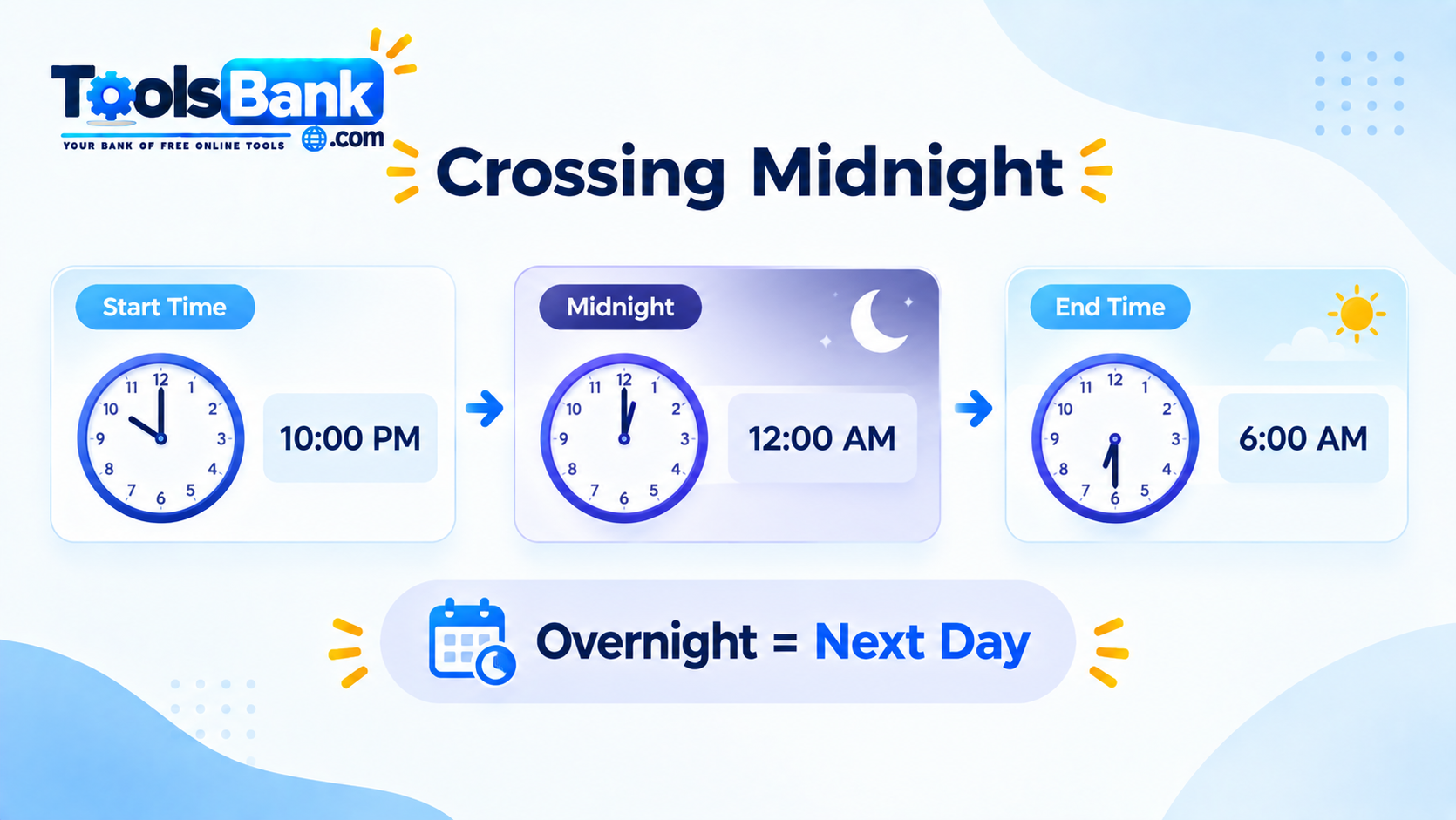
Suppose a work shift begins at:
10:00 PM
and ends at:
6:00 AM
Simply subtracting 10:00 PM from 6:00 AM would appear to produce a negative result.
But the ending time is actually on the following day.
The ToolsBank calculator automatically handles this situation. When the end time is earlier on the clock than the starting time, it assumes the end time occurs on the next day and adds 24 hours for the calculation.
So:
10:00 PM → 6:00 AM = 8 hours
This is useful for overnight shifts, late-night work, travel, events and other activities that continue past midnight.
Examples of Time Duration Calculations
Example 1: Same-Day Work Period
Start: 8:30 AMEnd: 4:45 PM
The duration is:
8 hours 15 minutes
Example 2: Short Task
Start: 2:10 PMEnd: 3:25 PM
The duration is:
1 hour 15 minutes
Example 3: Overnight Shift
Start: 11:00 PMEnd: 7:00 AM
Because the end time occurs on the following day:
Duration = 8 hours
Example 4: Including Seconds
Start: 10:15:20 AMEnd: 11:30:45 AM
The calculator can use the seconds as part of the calculation, making it useful when timing needs to be more precise.
Why Manual Time Calculations Can Be Difficult
Time calculations are different from ordinary decimal subtraction.
For example, if you have:
13:57 - 9:58
you cannot simply subtract 57 from 58 and treat every part like ordinary decimal digits. When the ending minutes are smaller than the starting minutes, you need to borrow one hour and convert it into 60 minutes.
This is one reason online time calculators can be useful for avoiding arithmetic mistakes. Calculator.net similarly explains that subtracting clock times can require borrowing when the ending minutes are smaller than the starting minutes.
Common Mistakes When Calculating Time Duration
1. Forgetting About Midnight
A period from 10:00 PM to 6:00 AM is not a negative duration.
It crosses midnight and lasts:
8 hours
ToolsBank handles this automatically.
2. Treating Minutes as Decimal Digits
This is a very common mistake.
7 hours 30 minutes is not 7.30 hours.
Instead:
30 ÷ 60 = 0.5
So:
7 hours 30 minutes = 7.5 hours
3. Mixing Up Add and Subtract
When using the add/subtract mode, make sure the selected direction matches what you actually want to calculate.
Adding two hours to 3:00 PM gives:
5:00 PM
Subtracting two hours from 3:00 PM gives:
1:00 PM
ToolsBank specifically highlights checking the direction when using its add/subtract mode.
4. Ignoring Seconds
If you are measuring something where precision matters, leaving seconds at zero can affect the result.
ToolsBank supports hours, minutes and seconds, so you can enter seconds when you need a more precise duration.
5. Expecting Calendar-Date Calculations
The ToolsBank Time Duration Calculator works with times of day, not calendar dates.
If you need to calculate the number of days, weeks or months between calendar dates, a date-difference tool is more appropriate. ToolsBank explicitly distinguishes this calculator from its Date Difference Calculator.
What Can You Use a Time Duration Calculator For?
A time duration calculator can be useful in many everyday situations.
Work Hours and Shifts
Calculate how long a work period lasted, including shifts that continue past midnight.
For example:
Start: 9:00 AMEnd: 5:30 PMDuration: 8 hours 30 minutes
Project and Task Tracking
If you record when you start and finish a task, the calculator can help determine how long the task took.
Study Sessions
Students can calculate the length of study sessions and compare different sessions.
Meetings and Events
You can quickly determine how long a meeting, presentation, appointment or event lasted.
Travel
If you know the starting and ending times of a journey, a time duration calculator can help determine the elapsed clock time.
Cooking and Timed Activities
It can also be useful whenever you need to determine how long an activity has been running.
Does the ToolsBank Calculator Store Your Time Information?
According to the ToolsBank page, calculations run locally in your browser. The times entered into the calculator are not uploaded, logged or stored on a server.
This makes the calculator convenient when you simply need a quick calculation without creating an account.
Time Duration vs. Date Duration
These two calculations are related but not identical.
A time duration calculator works with clock times such as:
9:00 AM → 5:30 PM
A date duration calculator is designed for calendar dates, such as:
January 1 → January 15
ToolsBank's Time Duration Calculator specifically works with hours, minutes and seconds rather than calculating the number of days, weeks or months between calendar dates.
For longer intervals involving calendar dates, you should use a tool designed for date calculations.
How to Use the ToolsBank Time Duration Calculator
Using the calculator is straightforward:
Step 1: Open the Calculator
Go to the ToolsBank Time Duration Calculator.
Step 2: Choose the Calculation Mode
Select whether you want to:
- Calculate the duration between two times, or
- Add or subtract a duration from a starting time.
Step 3: Enter the Time
Enter your starting time and ending time, or enter the starting time and duration depending on the selected mode.
Step 4: Calculate
Press the Calculate button.
Step 5: Review the Result
The calculator provides the calculated duration or resulting time.
For duration calculations, the result can be shown in hours, minutes and seconds, with total minutes and total seconds also available.
Final Thoughts
Calculating the time between two clock times sounds simple until minutes, seconds or midnight crossings make the arithmetic more complicated.
A time duration calculator removes much of that manual work. With ToolsBank's calculator, you can calculate the duration between two times, work with hours, minutes and seconds, handle overnight periods automatically, or add and subtract a duration from a starting time.
For quick everyday calculations, it provides a simple way to answer questions such as "How long was this?", "How many hours did I work?", or "What time will it be after this duration?"
Try the ToolsBank Time Duration Calculator:https://thetoolsbank.com/tool/time-duration-calculator