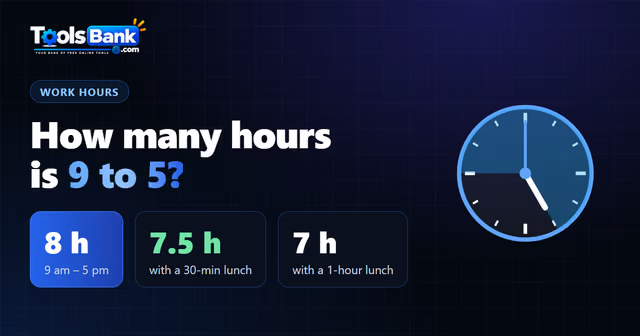

To calculate hours worked, subtract the clock-in time from the clock-out time, take off any unpaid break, then convert the minutes to decimal hours by dividing them by 60. For example, 8:30 AM to 5:15 PM with a 30-minute unpaid lunch is 8 hours 15 minutes, which is 8.25 hours on a timesheet.
That last step is where most payroll mistakes happen. Below is the full method, a weekly example with overtime, and formulas you can paste into Excel or Google Sheets.
The 4-step method
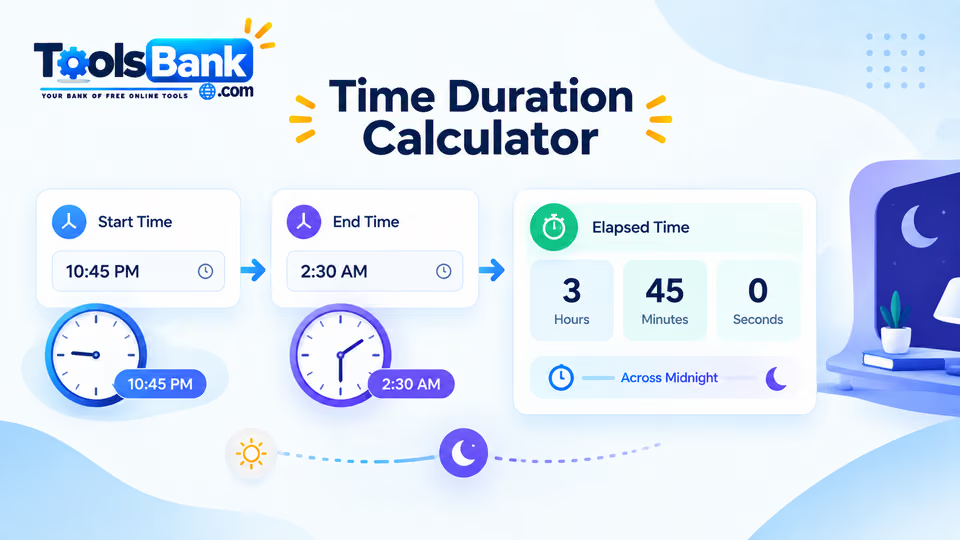
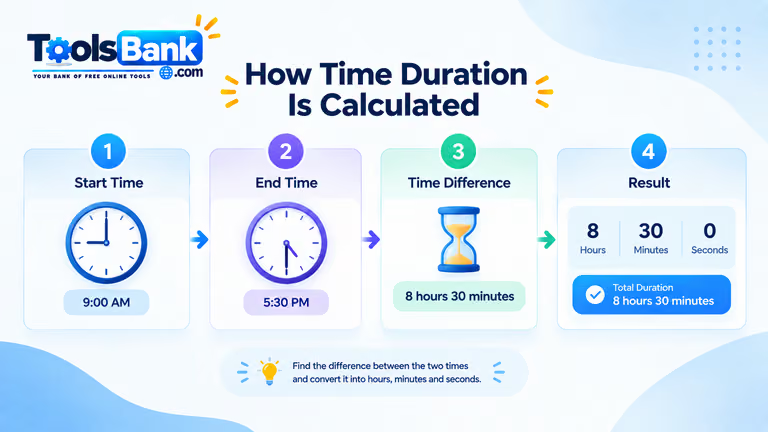
- Find the time between clock-in and clock-out. 8:30 AM to 5:15 PM is 8 hours 45 minutes. The Time Duration Calculator does this instantly, including overnight shifts.
- Subtract unpaid breaks. Take off a 30-minute unpaid lunch: 8 hours 45 minutes becomes 8 hours 15 minutes.
- Convert minutes to decimal hours. Divide the minutes by 60: 15 ÷ 60 = 0.25. So 8 hours 15 minutes is 8.25 hours.
- Add up the week and check for overtime. Total the daily hours. In the US, non-exempt employees must be paid overtime at 1.5 times their regular rate for hours over 40 in a workweek.
Minutes to decimal hours
| Minutes | Decimal hours | Minutes | Decimal hours |
| 5 | 0.08 | 35 | 0.58 |
| 10 | 0.17 | 40 | 0.67 |
| 15 | 0.25 | 45 | 0.75 |
| 20 | 0.33 | 50 | 0.83 |
| 25 | 0.42 | 55 | 0.92 |
| 30 | 0.50 | 60 | 1.00 |
The mistake that underpays people
Clock time and decimal time look alike, but they aren't the same. 8 hours 45 minutes is 8.75 hours, not 8.45. Writing 8.45 drops 0.30 hours, which is 18 minutes.
At $20 an hour, that's $6 a day. Over a five-day week it's $30, and over a year it's about $1,560 for a single employee. The error is small on one line, but it adds up quickly.
A full week, worked through
| Day | In | Out | Unpaid break | Hours (decimal) |
| Mon | 8:00 AM | 4:30 PM | 30 min | 8.00 |
| Tue | 8:15 AM | 5:00 PM | 30 min | 8.25 |
| Wed | 7:50 AM | 4:20 PM | 30 min | 8.00 |
| Thu | 8:00 AM | 6:00 PM | 30 min | 9.50 |
| Fri | 8:00 AM | 3:00 PM | 30 min | 6.50 |
| Total | 40.25 |
This employee worked 40.25 hours: 40 regular hours plus 0.25 overtime hours. At $20 an hour, regular pay is $800 and overtime is 0.25 × $30 = $7.50, so the gross pay for the week is $807.50. To check other rates, use the Hourly to Salary Calculator.
Excel and Google Sheets formulas
Put the clock-in time in column B, clock-out in column C and the unpaid break in minutes in column D. Format B and C as time.
| What you need | Formula (row 2) |
| Hours worked, in decimal | =ROUND((C2-B2)*24 - D2/60, 2) |
| Hours worked, overnight shifts too | =ROUND(MOD(C2-B2,1)*24 - D2/60, 2) |
| Weekly total (rows 2–6) | =SUM(E2:E6) |
| Overtime hours | =MAX(0, E7-40) |
| Regular hours | =MIN(40, E7) |
| Convert a time like 7:45 to decimal hours (7.75) | =A2*24 (then format the cell as Number, not Time) |
| Hours worked with 4 decimal places | =ROUND((C2-B2)*24 - D2/60, 4) |
The MOD version matters for night shifts. Without it, a shift from 10:00 PM to 6:00 AM gives a negative number instead of 8 hours.
If Excel shows something like 0.32 instead of 7.75, the cell is still formatted as time. Excel stores times as fractions of a day (7:45 is 0.3229 of 24 hours), so multiply by 24 and format the result as Number
Rounding and breaks: what's allowed
Under US federal rules (the Fair Labor Standards Act), employers can round clock times to the nearest 5, 6 or 15 minutes, as long as the rounding evens out over time and doesn't always favour the employer. Short breaks of about 5 to 20 minutes generally count as paid working time. A real meal break, usually 30 minutes or more where the employee is fully relieved of duties, can be unpaid. Many states have stricter rules, so check yours.
This article explains general US federal rules and isn't legal advice. State and local laws may differ.
Sources to link: US Department of Labor, Fact Sheet #22 "Hours Worked Under the FLSA" · 29 CFR 785.48 (rounding) · 29 CFR 785.18–785.19 (rest and meal periods).